Prop firm trading journal
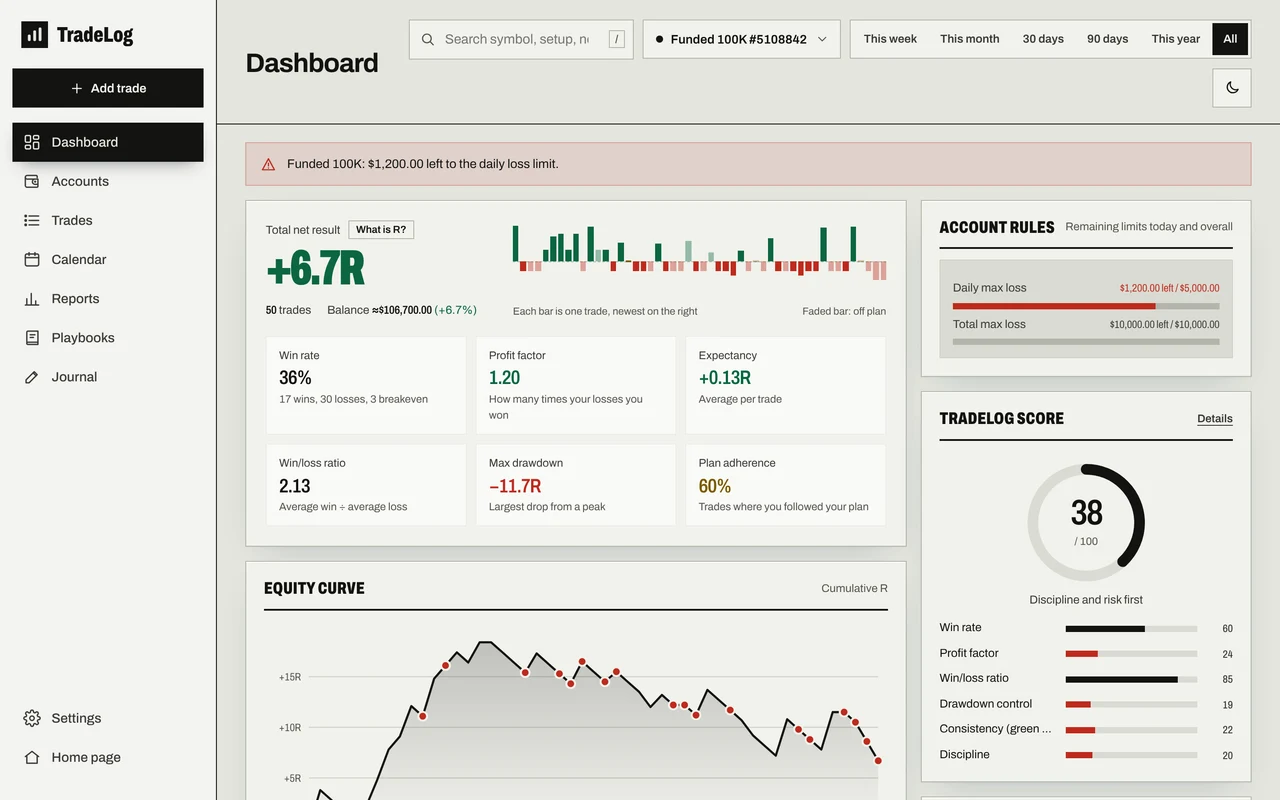
Passing a challenge is often about avoiding one bad day. TradeLog tracks your prop firm account rules alongside your trades: it shows where you stand on the daily loss limit, max loss and profit target at all times, and warns you as you get close.
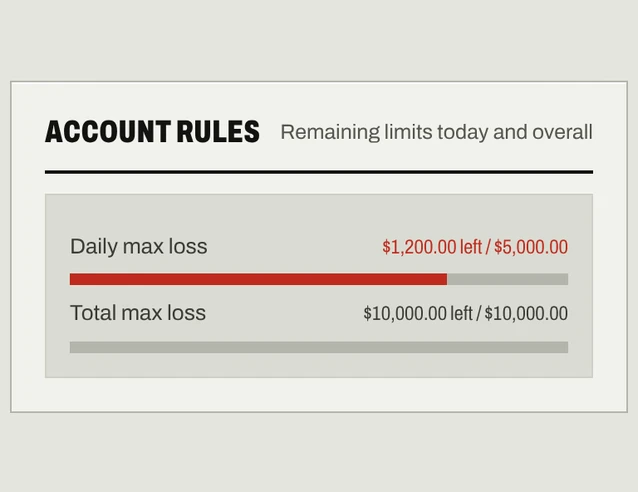
Your rules, always in view
- Daily loss limit: how much you've lost today and how much room is left.
- Max loss (max drawdown): your total loss against the starting balance.
- Profit target: how far you are towards the challenge target.
- Minimum trading days: how many of your firm's required trading days you've completed.
- Trailing drawdown: correct numbers for accounts whose limit rises with the balance peak.
- Early warning: the dashboard warns you at 70% of any limit, so you stop before the account is at risk.
Ready-made firm templates: pick a program and phase from FTMO, FundedNext, The5ers, FundingPips or Alpha Capital and the rules fill in (e.g. FTMO 2-Step Phase 1: 5% daily, 10% max, 10% target, at least 4 trading days). If your firm isn't listed, enter the percentages yourself. The figures use closed trades; check your firm's dashboard for exact numbers.
Challenge, funded and personal accounts, kept apart
Every account has its own balance, rules and statistics. Running several challenges? See them all on one dashboard; trades copied to several accounts count once in the combined view. Deposits, withdrawals and payouts are included in the balance.
Discipline rules
One emotional day loses most prop accounts. Set a daily max loss (in R), a max number of trades per day and a losing-streak limit in Settings; TradeLog reminds you to take a break when you reach them. Your playbooks show which rules you were following when you won.
Bringing your trades in
Most prop firms use MetaTrader 4 or 5. Upload your report for free, or connect your account with the investor (read-only) password so your trades arrive on their own every night (Pro). Details: MT5/MT4 trading journal.
FAQ
How do I set the rules? When you add the account, or from the Accounts page, pick your firm and phase and the rules fill in from the template. If your firm isn't listed, enter its daily loss, max loss and profit target percentages yourself. Each account is tracked with its own rules.
Are open positions included? No, the meters use closed trades. Firms often look at live equity, so rely on your firm's dashboard when you're close to a limit.
Is it paid? Prop firm rules and alerts are on the free plan. Free includes 2 active accounts; Pro adds 20 active accounts and auto-sync.